Python scraping fails faster because of IP quality than because of code
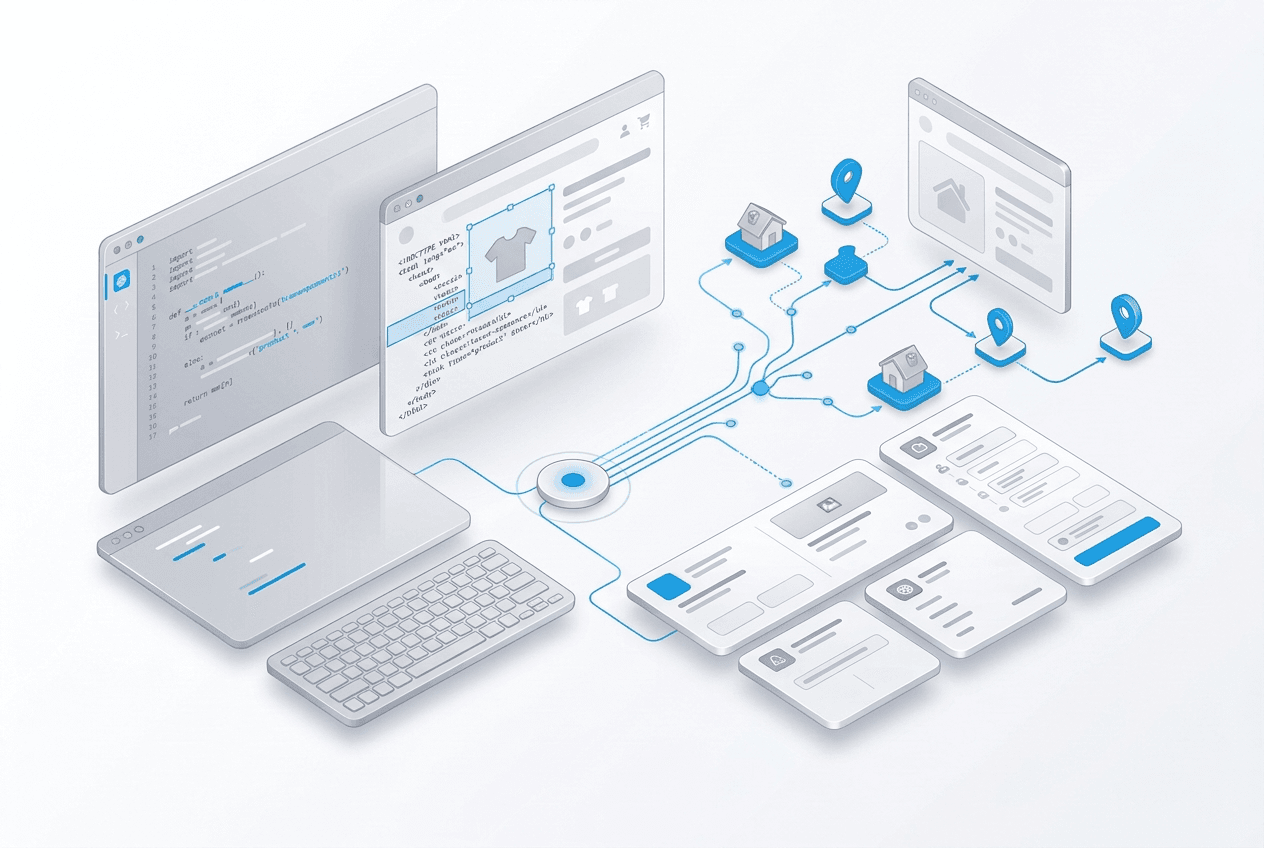
Most scraping tutorials focus on parsing HTML, but production scraping usually fails earlier than that. Requests never reach the data you care about because the target blocks your IP, throws a CAPTCHA, or rate-limits repeated traffic.
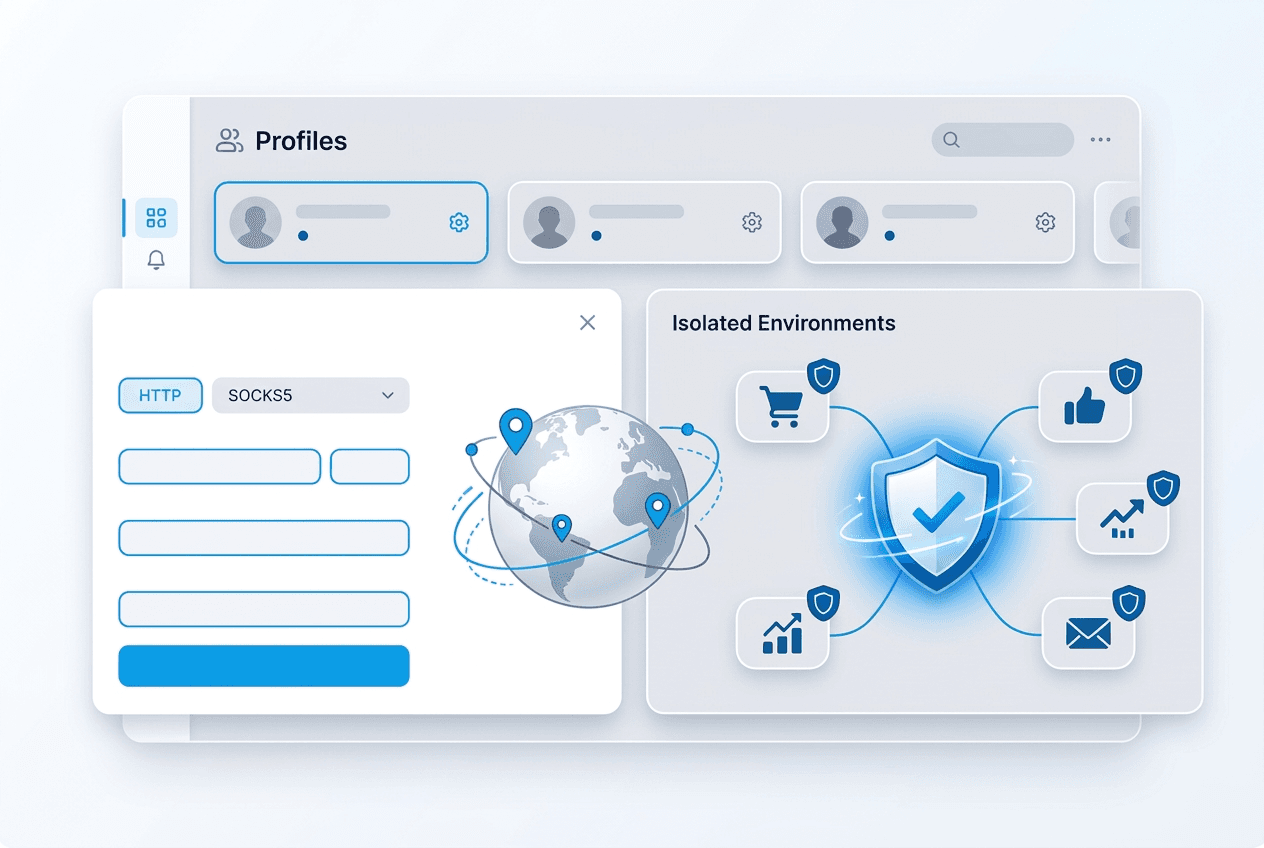
That is where residential proxies matter. They give your Python scraper the same network profile as a real user, which raises success rates on protected targets and reduces the amount of retry logic you need to maintain.
Start with a simple requests setup
import requests

proxy_url = "http://USER:PASS@connect.trueproxies.com:8080"
proxies = {"http": proxy_url, "https": proxy_url}

response = requests.get("https://httpbin.org/ip", proxies=proxies, timeout=30)
print(response.status_code)
print(response.text[:200])
This is the same connection model highlighted on the homepage and in our proxies for web scraping page. If this request works, your credentials and routing are in place.
Add retries before you scale
import requests
from requests.adapters import HTTPAdapter
from urllib3.util.retry import Retry

proxy_url = "http://USER:PASS@connect.trueproxies.com:8080"
retry = Retry(total=5, backoff_factor=1, status_forcelist=[429, 500, 502, 503, 504])
session = requests.Session()
session.mount("http://", HTTPAdapter(max_retries=retry))
session.mount("https://", HTTPAdapter(max_retries=retry))

response = session.get(
    "https://example.com/data",
    proxies={"http": proxy_url, "https": proxy_url},
    timeout=30,
)
print(response.status_code)
Retries are not a substitute for good IPs, but they do smooth over normal network variability. They matter more once you move from one-off tests to repeated collection jobs.
When to rotate and when to stay sticky
For catalog scraping and search-result collection, rotating sessions are usually safer because they spread requests across the pool. For logged-in workflows, carts, and multistep sessions, keep the same IP long enough to finish the action.
If your Python workflow includes browser automation as well as API-style requests, use the same rule: stability for authenticated sessions, distribution for crawl breadth.
When to choose GB-based vs. unmetered
Use GB-Based residential proxies when you are testing selectors, validating response quality, or scraping a modest number of pages each day. Move to Residential IPv4 (Unmetered) when the crawl becomes continuous and you want cost predictability.
If you are still comparing pricing models, read our unmetered vs. GB-based guide after this article.
A production checklist
- Validate proxy credentials against a simple endpoint first.
- Log response status, timing, and retry count for each target.
- Control request rate before you increase concurrency.
- Use location targeting when the target changes content by market.
- Upgrade the billing model before growth makes cost unpredictable.