Antidetect browsers solve one problem. Proxy hygiene solves the other half.
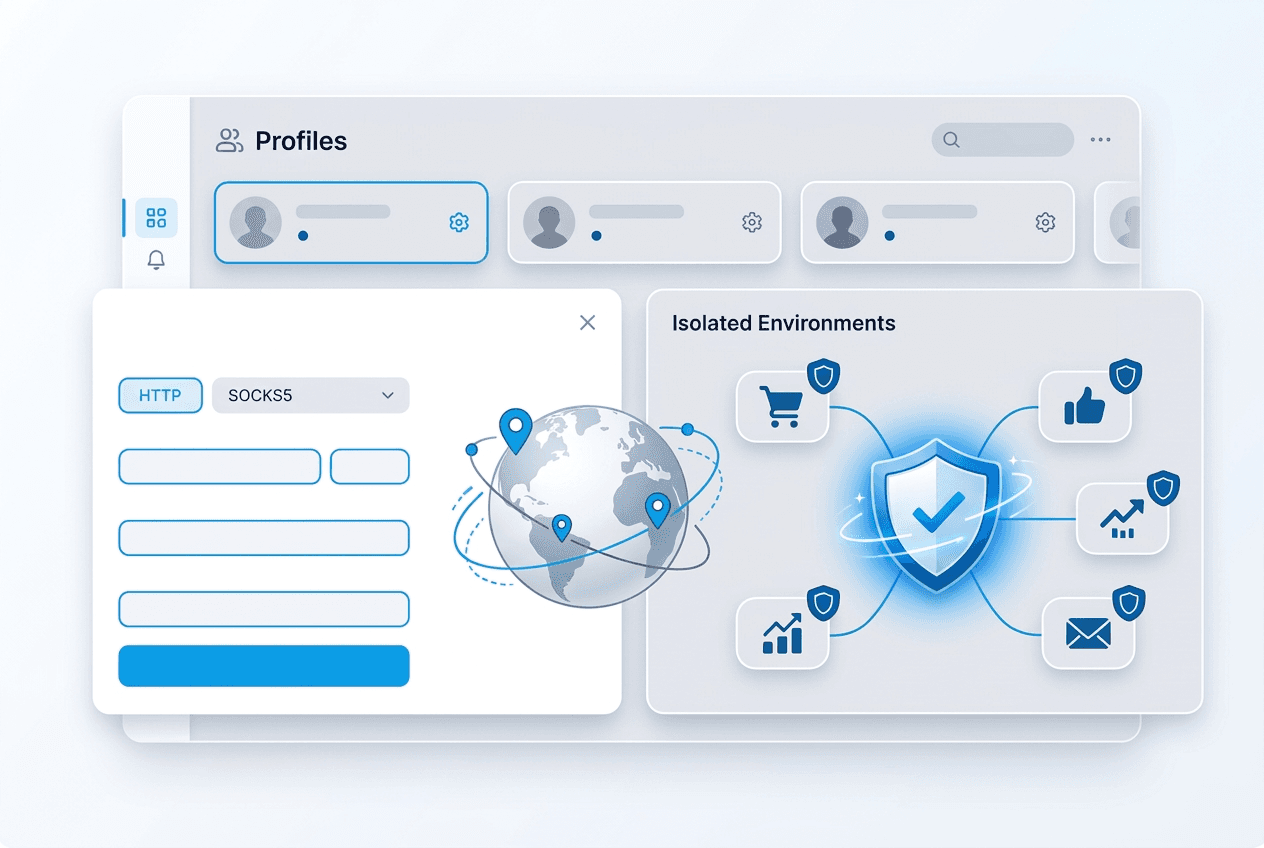
GoLogin, Multilogin, and AdsPower are good at isolating browser fingerprints, cookies, and local storage. They do not solve IP reputation on their own. If several profiles still share the wrong network identity, platforms can connect the dots quickly.
That is why the safest operating model is still one profile per residential IP, with sticky sessions enabled long enough to preserve stable login geography.
What to enter in the browser proxy settings
- Choose HTTP, HTTPS, or SOCKS5 based on the browser field and your workflow.
- Set host to connect.trueproxies.com.
- Set port to 8080 unless your product instructions specify another endpoint.
- Enter your username and password, or use IP authentication if supported in the workflow.
- Save and test the profile before logging into any platform.
The rule that prevents most bans
Never recycle one proxy across many active profiles if the accounts are meant to look unrelated. The browser fingerprint may be isolated, but the network identity is not. That is exactly why our social media use case guide emphasizes one residential IP per account.
When to use sticky sessions
Use sticky sessions for logins, warm-up periods, and daily activity on established accounts. Consistent IP history reduces security prompts and location mismatch warnings.
Rotate only when the workflow requires distribution, not as a default. Constantly changing IPs on a persistent account often looks stranger than staying put.
A clean rollout process for agencies and teams
- Create the browser profile first.
- Assign a dedicated residential proxy to that profile.
- Test basic connectivity and timezone alignment.
- Log in from the assigned proxy only.
- Document which proxy belongs to which profile before scaling.
What to read next
If you are deciding whether the session should stay fixed or rotate, read our guide to static vs. rotating proxies. If you need the broader workflow context, see proxies for social media management.